How to Cancel Cable TV in 2026: The Complete Switch Guide
How to Cancel Cable TV in 2026: The Complete Switch Guide
Most people who cancel cable TV don’t miss it. What they do regret is cancelling badly — losing a month of service they’d already paid for, walking into an early-termination fee they didn’t know existed, or discovering the replacement didn’t suit their home only after the old service was gone.
This guide covers the order of operations. Set up the replacement first, verify it works, handle the cancellation properly, and the switch costs you nothing but a phone call.
Before You Cancel Anything: Five Checks
Do these before you pick up the phone. Each one can cost you money if skipped.
1. Find Out What You’re Actually Paying
Pull up your most recent bill and read every line, not just the total. Separate out:
- The base package price
- Equipment rental per box, per month
- Regional and administrative fees
- Any bundled discount tied to keeping television alongside your internet
That last one matters most. If your broadband is discounted because it’s bundled with television, cancelling the television may raise your internet bill. The saving is still usually substantial — but calculate the real figure, not the headline one.
2. Check Your Contract End Date
Cable contracts commonly run 18 to 24 months, with early-termination fees that can reach several hundred dollars. Find your end date before doing anything else.
If you’re still mid-contract, you have three options: wait until it ends, calculate whether the monthly saving outweighs the exit fee over the remaining term, or ask whether the provider will waive it (they sometimes will, particularly if you’re keeping your broadband with them).
3. Confirm Your Internet Can Carry the Load
This is the check people skip, and it’s the one that determines whether the switch works.
Streaming needs roughly 10 Mbps per HD stream and 25 Mbps or more for 4K. Add them up for your household — two televisions running simultaneously need double.
Critically: test during the evening, not the morning. Run a test at Speedtest at around 9pm, three or four times across a week. That’s the figure that governs your viewing. The FCC broadband speed guide lists requirements by activity if you want a reference, and Ofcom publishes research on why real-world speeds so often fall short of advertised ones.
If your connection can’t hold up, fix that before you cancel cable TV — not after.
4. Work Out What You Actually Watch
Not what your package contains. What you genuinely watch in a normal week.
Most households discover they use a small fraction of what they pay for. Write down the actual list over a fortnight: live sport, news in the morning, a few entertainment channels, films at the weekend. That list is what your replacement needs to cover — and it’s usually much shorter than the package you’re paying for.
5. Note Any Equipment You Must Return
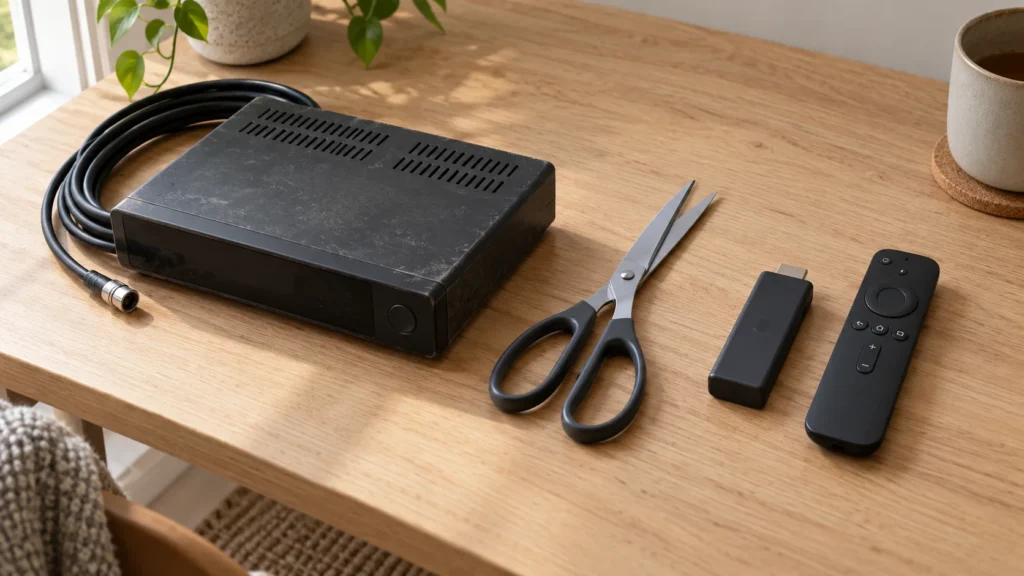
Set-top boxes, remotes, and sometimes modems are usually rented, not owned. Unreturned equipment generates charges that arrive weeks later. Ask exactly what goes back and get the return method in writing.
Set Up the Replacement First
Do not cancel, then figure out what replaces it. Run both for a few weeks.
Overlapping costs one extra month at most, and it removes all the risk. You find out whether the replacement suits your television, your remote habits and your evening viewing while the old service is still there as a fallback.
What Replaces What
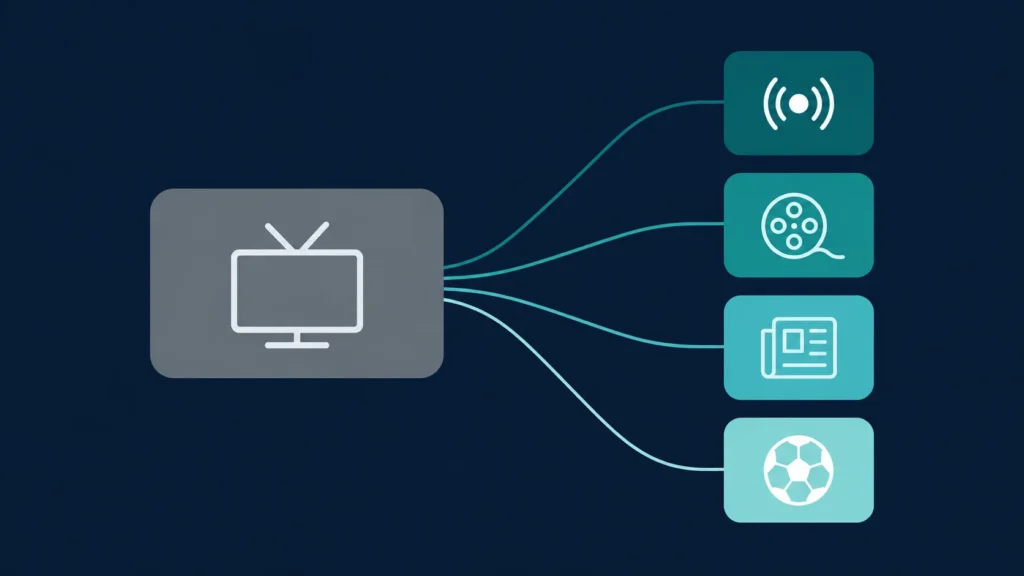
Cable bundles everything into one product. Streaming separates it, which means you assemble what you want:
| What you watched on cable | Where it comes from now |
|---|---|
| Live television and sport | An IPTV subscription |
| Films and series on demand | IPTV on-demand libraries, or a streaming app |
| News channels | Live IPTV categories, often free online too |
| Local broadcast channels | Often free over the air with an aerial |
| Recordings and catch-up | Player app features |
IPTV — Internet Protocol Television — delivers live programming over the broadband connection you already have, which is why it’s the closest single replacement for what cable gave you. Our guide to what IPTV is explains the mechanics, and IPTV for beginners covers it from scratch if the whole idea is new.
Programming arrives organised into categories — live television, sport, news, films, series, documentaries and international content. Our channels and content page shows how that’s structured.
You Probably Won’t Need New Hardware
This surprises people. A compatible player app runs on devices most homes already own: Fire TV sticks, Samsung and LG Smart TVs, Android TV boxes, Apple TV, phones, tablets, and laptops.
No dish. No installed box. No technician appointment. Setup takes about fifteen minutes following our installation guide.
How to Cancel Cable TV: Step by Step
Once your replacement is running and you’re satisfied with it:
Step 1 — Choose your date. Cancel at the end of a billing cycle. Cancelling mid-month usually forfeits the remainder; you rarely get a partial refund.
Step 2 — Call, don’t use the website. Most providers require a phone call to cancel television service. Online cancellation is frequently unavailable by design.
Step 3 — Expect a retention offer. You’ll be transferred to someone whose job is keeping you. They may offer a substantial discount. Decide beforehand whether any offer would genuinely change your mind — and if not, decline politely and repeat your request.
Step 4 — Confirm you’re keeping your internet. Say this explicitly and early. Cancelling television must not cancel your broadband, and mistakes here happen.
Step 5 — Get a cancellation reference. Ask for a confirmation number and the effective date. Request written confirmation by email. Note the agent’s name and the time of the call.
Step 6 — Return the equipment promptly. Get a receipt or tracking number. Keep it for at least six months — equipment disputes surface late.
Step 7 — Check the next two bills. Confirm the television charges have stopped and no unexpected fees appeared. Errors are common and easier to resolve early.
What It Costs After You Switch
Honest arithmetic.
Your subscription. Our 360 IPTV plans run $12.99 for one month down to $69.99 for twelve months — about $5.83 monthly on the longest plan. Every price shown in full before you order.
One-off extras, most of which you already own:
- A player app: free, or a few dollars once
- An ethernet adapter, around $15 — genuinely the best value purchase for streaming
- A newer streaming stick if yours is over five years old: $30 to $50
Possible broadband change. If losing a bundle discount raises your internet bill, factor that in.
Realistic first-year total: your subscription plus roughly $0 to $75 in one-off costs. Compare that against twelve months of your current bill including every fee.
Five Mistakes That Cost People Money
Cancelling before testing the replacement. The single most common error. Overlap for a few weeks.
Cancelling mid-cycle. You lose the rest of the month you already paid for.
Not checking the contract end date. Exit fees can wipe out a year of savings.
Forgetting the bundle discount. Losing television can raise the broadband price.
Not returning equipment. Charges appear weeks later and are tedious to reverse.
What You’ll Genuinely Miss
Any guide claiming you lose nothing is selling you something.
Guaranteed reliability. Cable runs on dedicated infrastructure that doesn’t compete with your household’s video calls and downloads. Streaming depends on your home network. With a stable wired connection the practical difference is small — but it’s not zero, and if your broadband is poor, cable is genuinely the better product.
A technician for problems. Cable operators send engineers. Streaming support helps you troubleshoot, but nobody visits.
Complete simplicity. Cable arrives working, with one bill and one remote. Streaming asks you to install an app and enter credentials once. It’s a small ask, but it isn’t zero.
Weigh these honestly. For most households with decent broadband, the trade is clearly worth it. For a home with unreliable internet that can’t be improved, it may not be.
Frequently Asked Questions
Will cancelling cable TV increase my internet bill?
It can, if your broadband was discounted as part of a bundle. Ask the provider directly what your internet-only price will be before you cancel.
Can I cancel cable TV mid-contract?
Yes, but usually with an early-termination fee. Check the remaining term and compare the fee against your monthly saving. Some providers waive it if you keep your broadband.
Do I need to return my cable box?
Almost always, yes — it’s rented. Get a return receipt and keep it.
What internet speed do I need after I cancel cable TV?
Roughly 10 Mbps per HD stream, 25 Mbps or more for 4K. Multiply by simultaneous streams. Stability matters more than peak speed. Our FAQ page covers this further.
Can I still watch live sport and news?
Yes — these arrive as live categories in your player app, alongside entertainment, films, series and documentaries.
How long does the switch take?
Setting up a replacement takes about fifteen minutes. Cancelling takes one phone call. Testing properly before you commit takes a few weeks, and that’s the part worth not rushing.
What if the replacement doesn’t suit me?
Start with a one-month plan rather than a year. If it doesn’t work for your home, you’ve spent $12.99 to find out — and you still have cable, because you hadn’t cancelled yet.
The Bottom Line
The order matters more than anything else. Set up the replacement, test it through a few real evenings, then cancel cable TV at the end of a billing cycle with a confirmation number in hand.
Do it in that sequence and the switch is genuinely straightforward. Do it backwards and you’ll spend a fortnight without television working out what went wrong.
Not sure whether your setup will handle it? Message our team before you cancel anything. We’d rather tell you honestly that your connection isn’t ready than take your money for something that won’t work well — and our subscription plans will still be there once it is.
More guides

What Internet Speed Do You Need for IPTV in HD and 4K?
How many Mbps do you need for IPTV? HD, Full HD and 4K requirements, plus how to test speed at your TV, not your…

Why Is My IPTV Buffering? 12 Fixes That Work
Stop IPTV buffering with 12 practical fixes: speed checks, Ethernet vs Wi-Fi, router settings, player buffer size and more.

What Is an EPG and How to Fix a Missing TV Guide
What an EPG is, why your IPTV TV guide is empty or wrong, and simple fixes for time-shift, refresh and player settings.